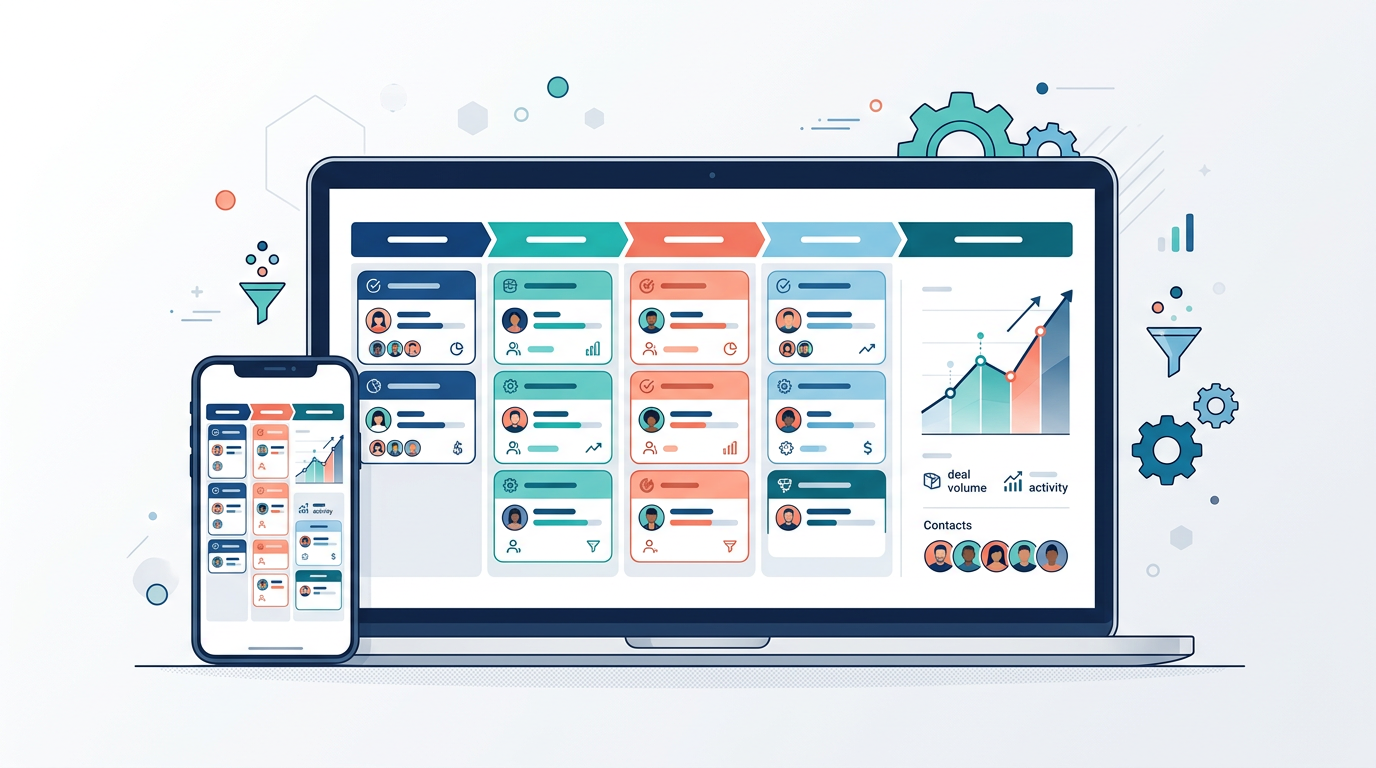
Choosing the best CRM software for a small business is less about finding the tool with the longest feature list and more about finding the platform your team will actually use every day. A customer relationship management (CRM) system sits at the center of how you attract, close, and keep customers, so the wrong choice creates friction while the right one quietly compounds in value. This guide walks through what CRM software does, the core features that matter, and a practical framework for matching a platform to your team size, workflow, and budget.
What CRM Software Is and Why Small Businesses Use It
At its simplest, CRM software is a central database for every interaction your business has with prospects and customers. Instead of scattering contact details across spreadsheets, inboxes, and sticky notes, a CRM stores names, companies, conversation history, deals, and tasks in one searchable place that your whole team can access.
For small businesses, the value shows up in a few concrete ways. Nothing falls through the cracks because every lead and follow-up lives in the system rather than in one person’s memory. Handoffs between sales, marketing, and support become smoother because everyone sees the same history. And when you eventually hire, a new team member can get up to speed by reading the record instead of interrupting colleagues.
A CRM does not sell for you. It removes the administrative drag that keeps a small team from selling and serving consistently.
The payoff is compounding. As your contact records deepen and your pipeline history grows, you gain the ability to forecast revenue, spot which lead sources convert, and follow up at exactly the right moment.
Core Features to Look For
CRM platforms vary widely, but a handful of capabilities form the foundation. Prioritize these before you get distracted by advanced add-ons.
Contact and Account Management
This is the heart of any CRM. Look for clean contact records that capture communication history, notes, and associated companies, along with fast search and the ability to segment contacts with tags or custom fields. Good data structure here makes every other feature more useful.
Pipeline and Deal Tracking
A visual sales pipeline lets you see every open opportunity and which stage it sits in, so you always know what needs attention. The ability to customize pipeline stages to match how you actually sell, rather than a vendor’s default, is a strong signal of a flexible platform.
Automation
Automation is where a CRM starts saving real time. Useful examples include automatically creating follow-up tasks when a deal changes stage, sending templated emails, assigning new leads to the right person, and logging activity without manual entry. Start small; even basic automation of repetitive steps reduces errors and busywork.
Reporting and Dashboards
You want visibility into pipeline value, conversion rates by stage, activity levels, and sales cycle length. Clear dashboards turn raw records into decisions about where to focus. Even a simple report on which lead sources close best can reshape how you spend marketing effort.
Integrations
Your CRM should connect with the tools you already rely on, including email, calendar, accounting or invoicing software, and any marketing or e-commerce platforms you use. Check for native integrations first, then look for a well-documented API or a connector service as a fallback. A CRM that lives in isolation quickly becomes stale.
How to Match a CRM to Your Team Size and Workflow
The best CRM for a solo founder is rarely the best CRM for a fifteen-person team, so start by being honest about where you are today and where you will likely be in two years.
- Solo operators and very small teams usually benefit from simplicity. A lightweight, sales-focused CRM that you can set up in an afternoon beats a powerful platform you never finish configuring.
- Growing teams of five to twenty tend to need role-based permissions, more robust automation, and reporting that lets a manager see the whole pipeline without asking for updates.
- Businesses with distinct sales, marketing, and support functions may be better served by an all-in-one suite that keeps those workflows connected, rather than stitching together separate point tools.
Beyond size, map your actual sales process before you shop. Write down how a lead enters, the stages it moves through, who touches it, and what happens after the sale. A CRM that mirrors this flow naturally will be adopted; one that forces you to change how you work rarely sticks.
On-Premise vs Cloud
Most small businesses today choose cloud-based CRM software, and for good reason. With a cloud (software-as-a-service) platform, the vendor hosts and maintains everything. You get automatic updates, access from any device, predictable subscription costs, and no servers to manage. For a team without dedicated IT staff, this removes an enormous burden.
On-premise CRM, where the software runs on servers you own and control, still has a place. It appeals to organizations with strict data-residency requirements, deep customization needs, or existing infrastructure they want to leverage. The trade-off is that you take on hosting, security, backups, and updates yourself, which usually demands technical resources most small businesses do not have.
For the majority of small businesses, cloud is the pragmatic default. Consider on-premise only if you have a specific compliance or control requirement that a reputable cloud vendor cannot meet.
Pricing Models to Expect
CRM pricing almost always follows a per-seat, subscription model, meaning you pay a recurring fee for each user who logs in. Understanding the common structure helps you compare options fairly and avoid surprises.
- Tiered plans. Vendors typically offer several tiers, from a basic plan with core contact and pipeline features to advanced tiers that unlock automation, deeper reporting, and administrative controls. Match the tier to the features you genuinely need now, not the ones that sound impressive.
- Per-user pricing. Because you pay by seat, total cost scales with headcount. Estimate cost across your expected team size, not just today’s, so a growth spurt does not blow up your budget.
- Free tiers and trials. Many platforms offer a free plan or trial. These are excellent for testing fit, but read the limits carefully, as caps on contacts, users, or automation often prompt an upgrade sooner than expected.
- Add-on costs. Watch for features billed separately, such as additional automation volume, premium support, extra storage, or dedicated onboarding. The advertised price is rarely the final price.
Rather than chasing the lowest sticker price, calculate a realistic total for your team size and the tier that covers your must-have features. The cheapest plan that lacks a capability you depend on is not actually cheap.
Implementation and Adoption Tips
A CRM only delivers value if your team uses it consistently, and adoption is where most small-business rollouts stumble. A few practices dramatically improve your odds.
- Clean your data first. Import accurate, deduplicated contacts. Migrating a messy spreadsheet just recreates the mess inside a nicer interface.
- Start simple. Configure your pipeline stages and a few essential fields, then launch. Resist building elaborate automations before anyone has used the basics.
- Make it the single source of truth. If some deals live in the CRM and others live in someone’s inbox, the data becomes untrustworthy and people stop relying on it. Insist that customer interactions be logged in the system.
- Assign an owner. Designate one person responsible for configuration, training, and answering questions. Shared ownership tends to become no ownership.
- Train around real workflows. Show the team how the CRM helps them close and serve, not just where the buttons are. People adopt tools that visibly make their day easier.
Plan for a ramp-up period. Expect a few weeks before the CRM feels natural, and revisit your configuration once real usage reveals what is working.
Common Mistakes to Avoid
Small businesses tend to repeat the same CRM missteps. Being aware of them saves time and money.
- Over-buying. Choosing an enterprise-grade platform for a five-person team leads to paying for complexity you never use and struggling with setup.
- Under-buying. Picking a tool you will outgrow in a year means another migration soon. Balance current needs against realistic growth.
- Ignoring adoption. Treating the purchase as the finish line rather than the starting line. The rollout matters more than the selection.
- Skipping integrations. A CRM disconnected from your email, calendar, and billing tools creates double data entry that erodes trust in the system.
- No clear process. Automating a broken or undefined sales process just makes the confusion faster. Define the workflow first, then configure the tool to support it.
Frequently Asked Questions
What is the best CRM software for a very small business?
There is no single best CRM software for everyone. The best fit is the simplest platform that covers your core needs, contact management, a visual pipeline, and basic automation, and that your team will use daily. For most very small teams, a lightweight, easy-to-configure cloud CRM outperforms a feature-heavy suite.
How much should a small business expect to pay for a CRM?
Costs vary widely because pricing is usually per user and tiered. Rather than a fixed number, budget based on your team size multiplied by the tier that includes your must-have features, and account for possible add-ons. Free tiers and trials let you validate fit before committing.
Do I need CRM software if I only have a few customers?
Even with a small customer base, a CRM helps you stay organized and consistent, and starting early means your history is captured as you grow. Adopting one before your data becomes unmanageable is far easier than migrating a chaotic spreadsheet later.
Is cloud CRM secure enough for a small business?
Reputable cloud CRM vendors invest heavily in security, backups, and uptime, typically far beyond what a small business could manage on its own. For most small teams, a trusted cloud platform is both more secure and less work than self-hosting.
How long does it take to implement a CRM?
A simple cloud CRM can be set up in days, though reaching consistent team-wide adoption usually takes a few weeks. The timeline depends more on data cleanup, process clarity, and training than on the software itself. Starting simple shortens the path considerably.
The best CRM software is the one that fits how your business actually works, scales with your growth, and earns daily use from your team. Define your process, prioritize the core features, test a shortlist with a trial, and invest in adoption. Get those fundamentals right and your CRM becomes a durable engine for winning and keeping customers.